
Official plugins
Docs — a documentation hub at /docs
The official Docs plugin — a modern documentation site with section menus, contents, search, copy buttons, Markdown and llms.txt for AI, JSON bundle import, drag-to-reorder and multiple languages
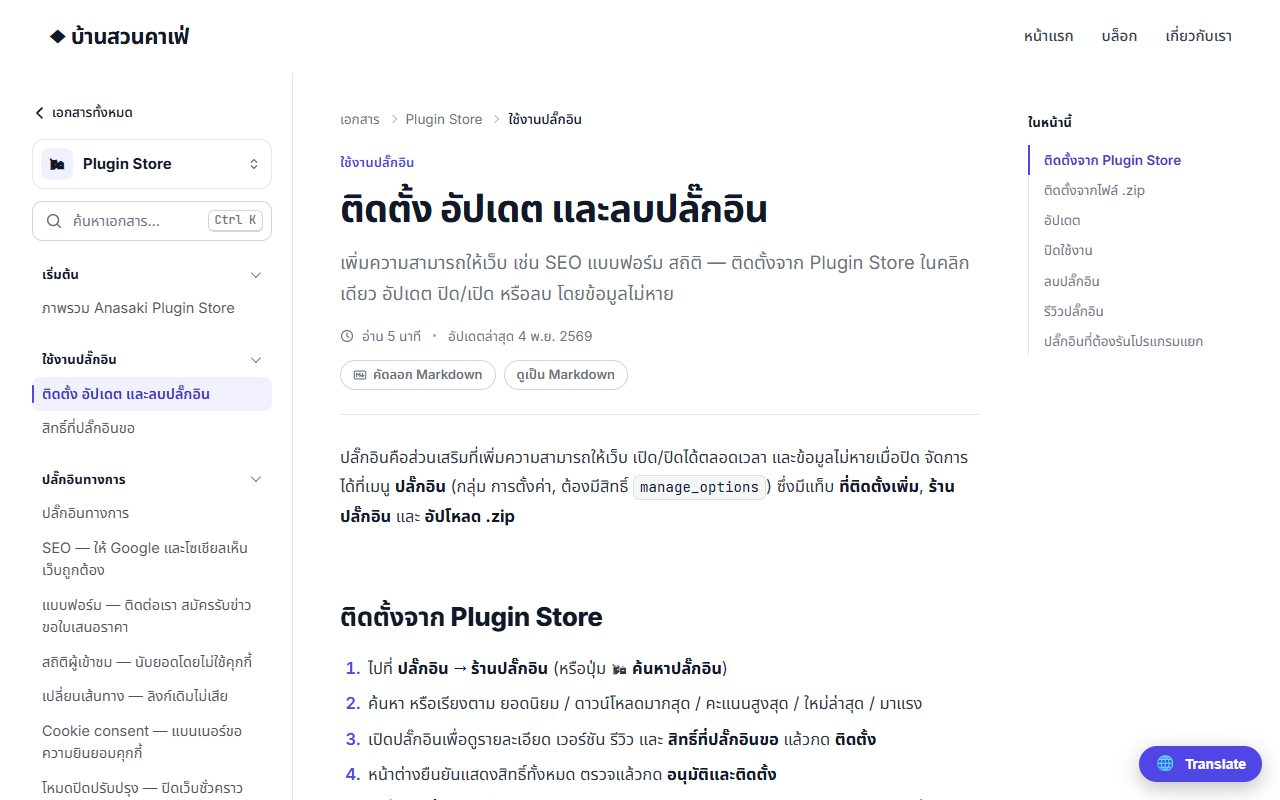
The Docs plugin (docs) builds a documentation hub at /docs that looks like a modern docs site, uses your theme's colours and fonts, and sits inside your site's header and footer — the docs you are reading are made with it.
The pages you get#
| URL | Page |
|---|---|
/docs | Home: search box, product cards and "Quick start" |
/docs/<product> | Articles grouped by section |
/docs/<product>/<slug> | An article: left menu, breadcrumb, "On this page" contents, previous/next |
/docs/<product>/<slug>.md | The article as Markdown (the "Copy Markdown" button) |
/docs/llms.txt | Contents for AI per llmstxt.org (llms-full.txt = every article in one file) |
Search with Ctrl K or / on any page. On phones the menu is a drawer, and /docs and every article are in the sitemap of the SEO plugin.
Writing an article#
- Left menu Docs → Add new — the editor is the same as for posts
- Enter the title, content and excerpt (shown under the title and used as the meta description)
- Set the product (its id from the settings), the section (e.g. "Getting started") and the order
- Publish — only published articles are shown
In the content, H2/H3 headings become the contents automatically, code blocks get a copy button, and you can use the dx-note / dx-tip / dx-warn boxes, dx-cards link cards and dx-tabs code tabs.
The Docs admin page#
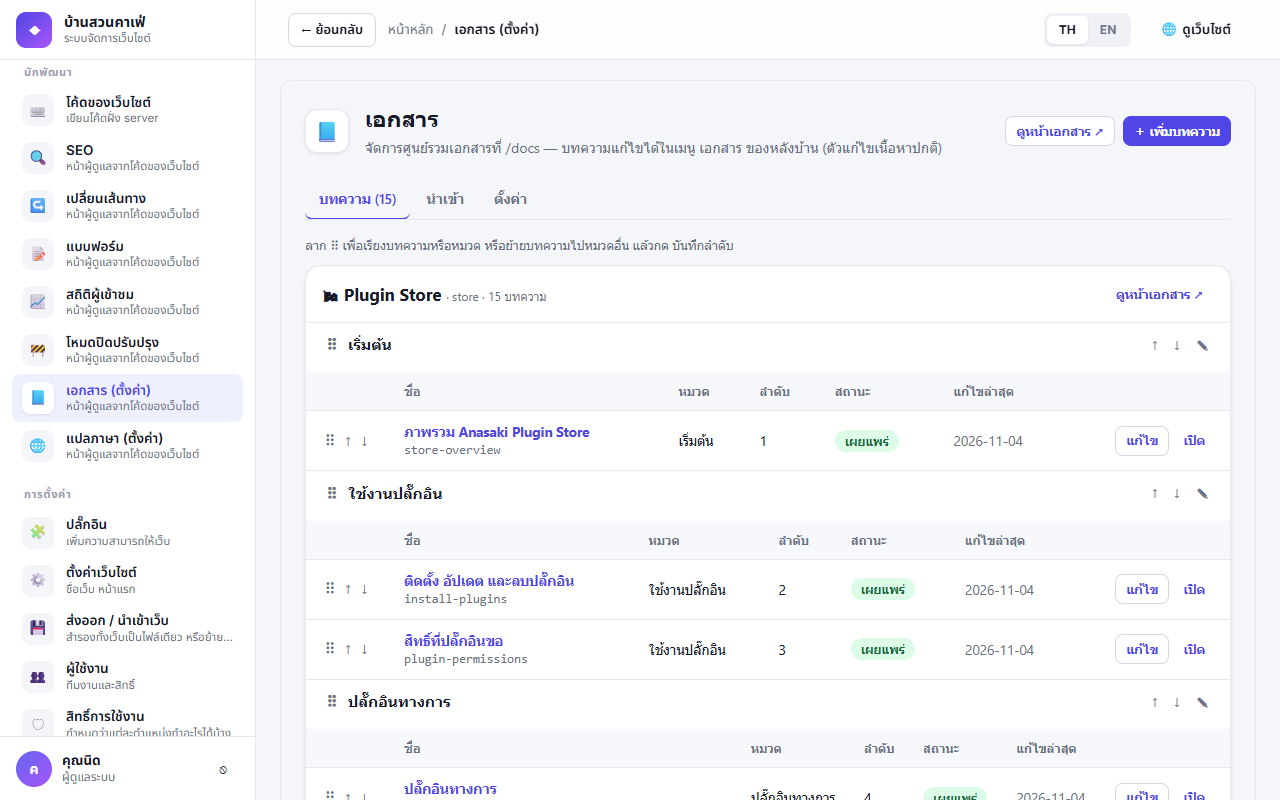
- Drag ⠿ to reorder articles or sections and to move articles between sections, ✎ to rename a section, then press Save order
- Import a JSON docs bundle — articles with an existing slug are updated, not duplicated (handy for writing docs in Git and importing them)
- The Settings tab (administrators): the home page heading and intro, products (add/remove/reorder), the "Edit this page" link and redirects from old links
A minimal bundle:
{ "products": [ { "id": "guide", "name": { "th": "คู่มือ", "en": "Guide" }, "icon": "📘" } ],
  "docs": [ { "slug": "install", "title": "Install", "excerpt": "…", "product": "guide",
              "section": "Getting started", "order": 1, "content": "<p>…</p>" } ],
  "legacyRedirects": [ { "from": "/blog/getting-started", "to": "/docs/guide/install" } ] }
Multiple languages (1.2.0)#
Articles in another language live at /docs/<language>/…, e.g. a Thai site has English docs at /docs/en. Set the article's Language to en and its Link slug to the slug of the original article (the post's own slug must still be unique, e.g. install-en).
- Every page has a 🌐 link to the other language: translated articles lead to the translation, untranslated ones to that language's product page
- Search,
llms.txt, Markdown and the sitemap are per language, and pages tell Google abouthreflang - In a JSON bundle, add
"lang": "en", "base": "install"to the translated article
The plugin ships with no articles — once installed it is an empty hub with one product ("Docs", id general) until you write or import some.
The Plugin Store's Developers page pulls its list of developer guides from /docs/search.json of the docs site the Store administrator set — add or edit articles in Docs and that page follows within 10 minutes.