
Official plugins
Maintenance mode — take the site down the right way
The official Maintenance plugin — a "temporarily down for maintenance" page (HTTP 503) that keeps your Google ranking, a working admin, and bypass links so your team can see the real site
The Maintenance plugin (maintenance) closes the public site for a while during maintenance. Visitors see a notice page while you keep working in the admin as usual.
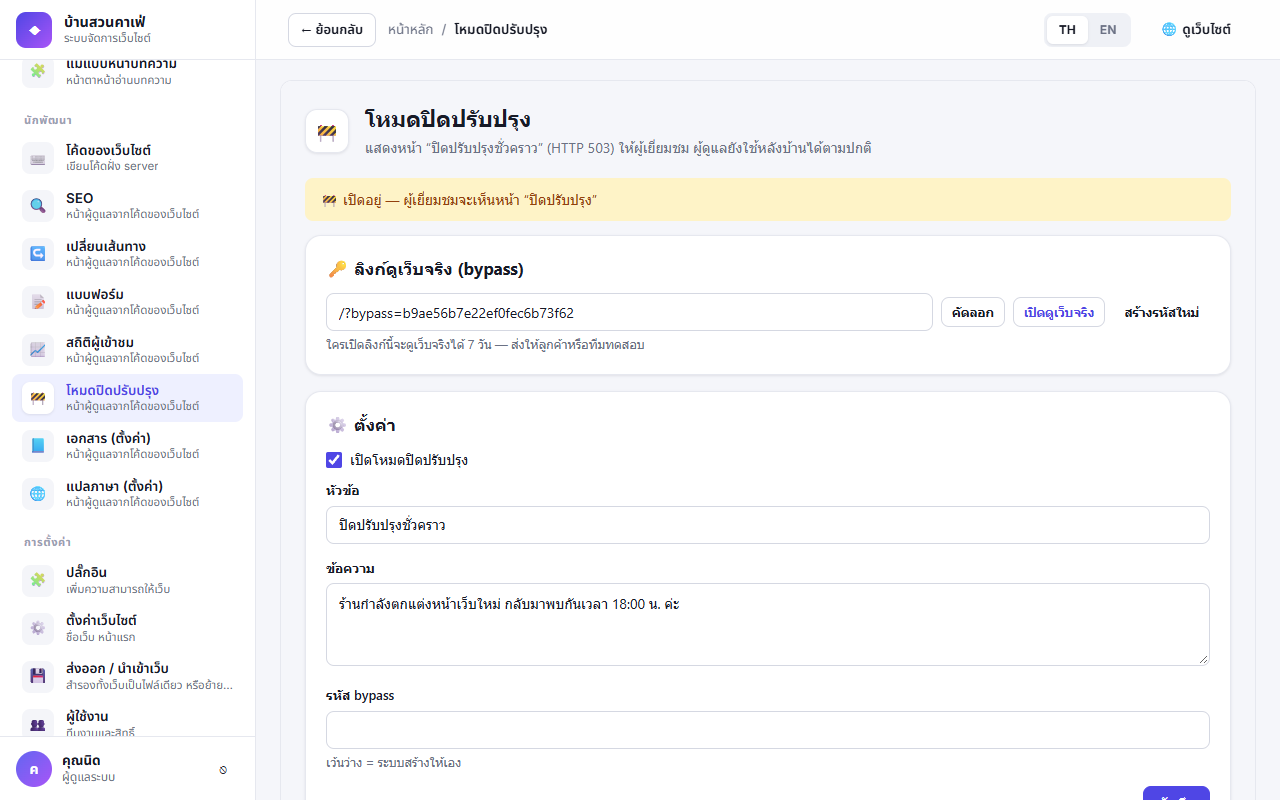
Turning maintenance mode on#
- Left menu Maintenance
- Tick Enable maintenance mode and enter a heading and message (e.g. "Back at 6 pm")
- Save — the admin shows a "Maintenance mode is on" banner the whole time it is on
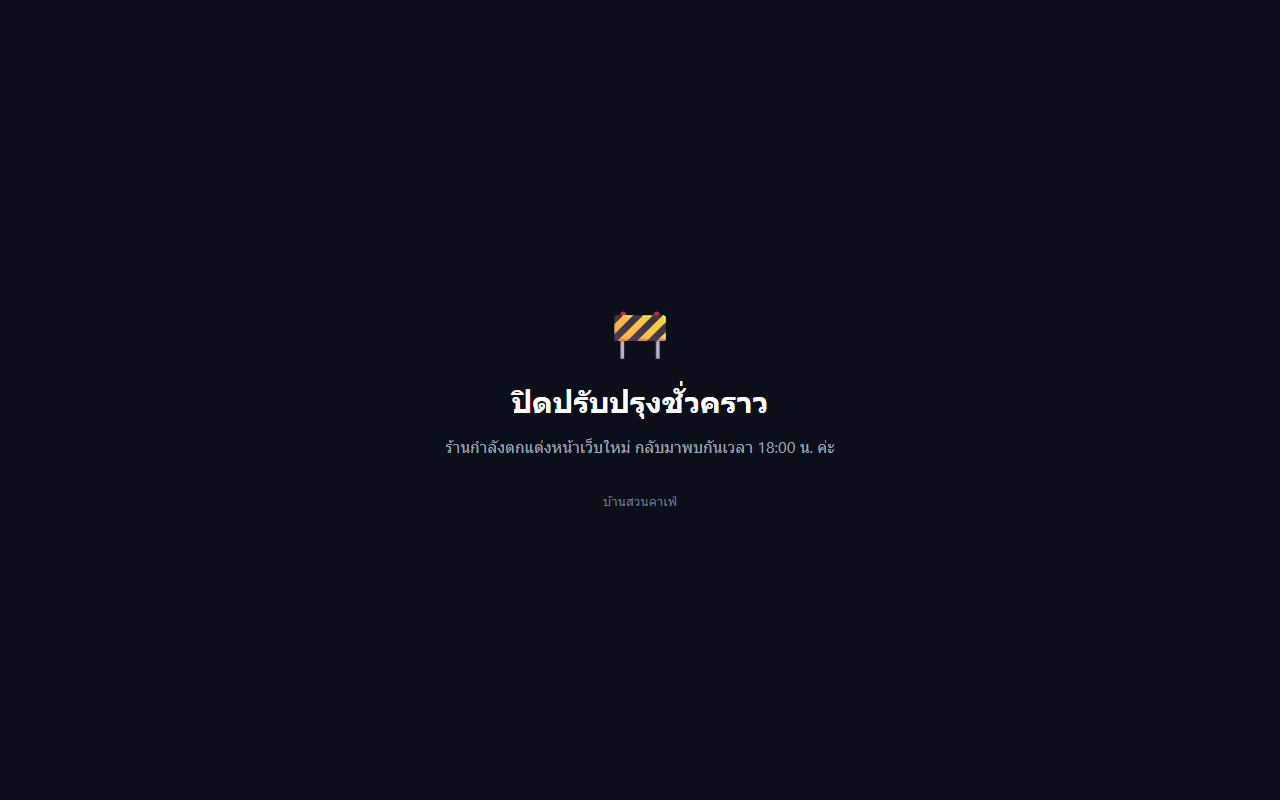
Visitors see a page like this, answered with HTTP 503 plus Retry-After, never cached and noindex — Google knows the closure is temporary and keeps your ranking.
Bypass links#
Send a bypass link (/?bypass=code) to testers or clients so they can see the real site for 7 days — if you set no code, one is created when you turn the mode on. View, copy or Regenerate it on the Maintenance page; after a change the old link and cookies stop working at once.
Administrators signed in to the admin in the same browser see the real site without a bypass link (plugin 2.1.0 + CMS 2.3.0). Other visitors still see the maintenance page.
What stays open#
During maintenance these keep working:
- The admin,
/api/,/uploads/and plugin files /site-assets/(files in Site Code'spublic/folder),robots.txtandsitemap.xml(2.1.0)- Paths listed in Paths that stay open (2.1.0), one per line, e.g.
/s/so printed short links or QR codes keep working, or Site Code routes that must always run
A path ending in / opens every page under it (/s/ = /s/abc, /s/xyz). Without a trailing / it opens that path and its sub-pages (/status = /status, /status/today, but not /statuses).
Permissions#
| Permission | Meaning | Default |
|---|---|---|
maintenance.manage | Open the Maintenance page and see the banner | Administrator |