
Running the shop
Shop settings
Shop details and receipts, tax and currency, devices, backup, the summary mail, payment methods, branches and tills, and points
Shop settings is a set of cards; open one, switch with the tabs above, and press Save at the end of each.
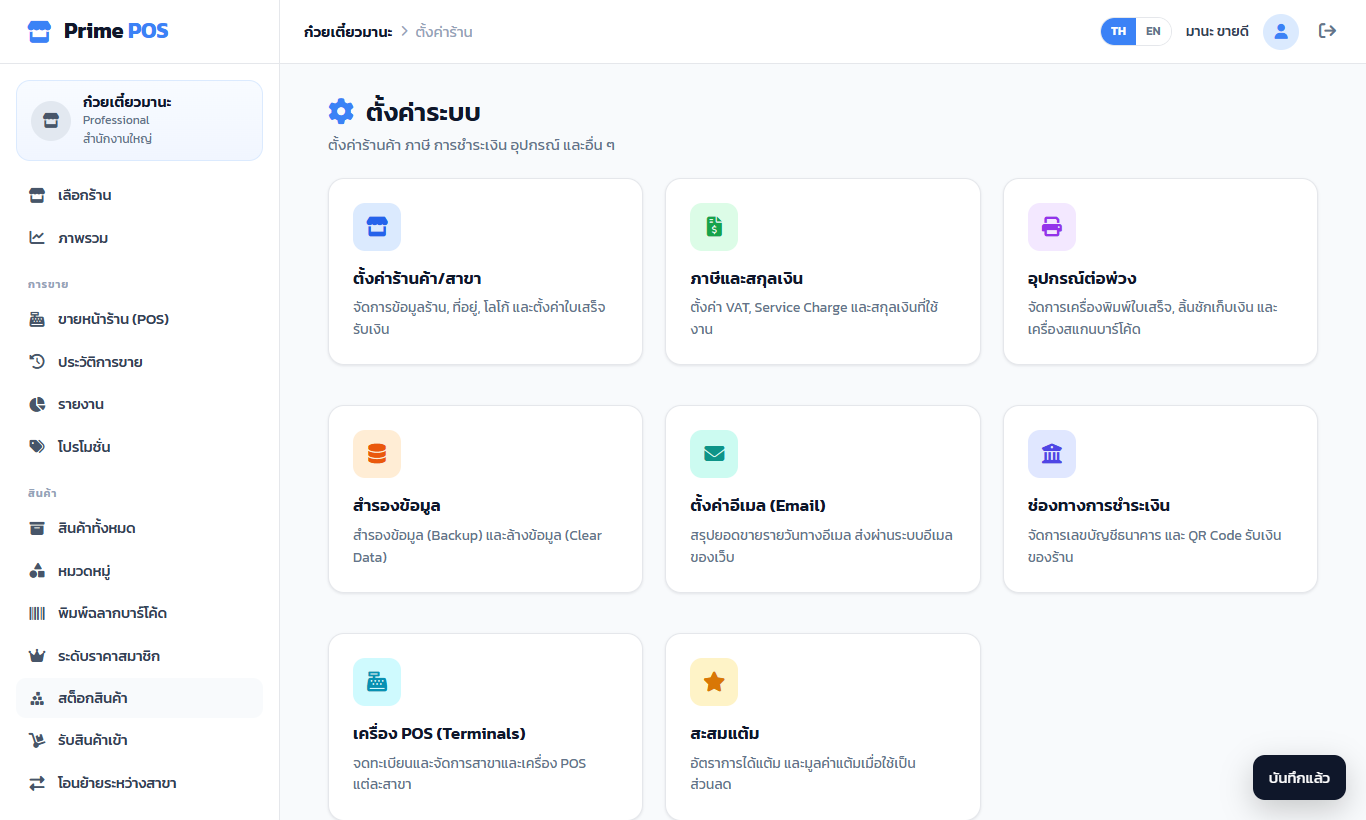
| Section | Holds |
|---|---|
| Shop / branch | Name, phone, e-mail, logo link, currency symbol, address (on receipts) and the receipt footer |
| Tax & currency | VAT registered, tax ID, prices include VAT / VAT added on top, VAT rate and service charge |
| Devices | Paper size (58 / 80 mm), copies, print after payment, print the logo, sell beyond stock (negative stock), and this device's printer: the browser's print window or direct USB / Serial, the cash drawer and Test print |
| Backup | Download the whole shop as a .json file and import it into another shop (same product codes and same customer phones are skipped) |
| Email settings | The daily summary mail — see Reports |
| Payment methods | PromptPay (phone or tax ID, and account name) for the QR at the till, and bank accounts for transfers |
| POS terminals | Branches and tills — see Staff, branches and tills |
| Points | Points, earning/spending rates and the birthday treat — see Customers |
Printer settings are kept on the device; every device of the shop can differ.